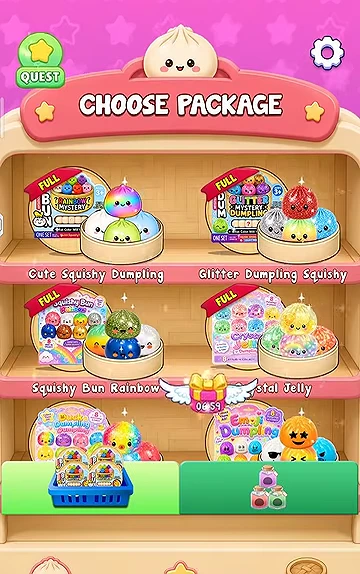
Start with a labelled theme
The opening shelf shows Cute Squishy Dumpling, Glitter Dumpling Squishy, Squishy Bun Rainbow and Crystal Jelly, with more themes below. Pick the name and artwork together. This is the beginning of the observed video, not proof of a newly installed account or the default unlock state.
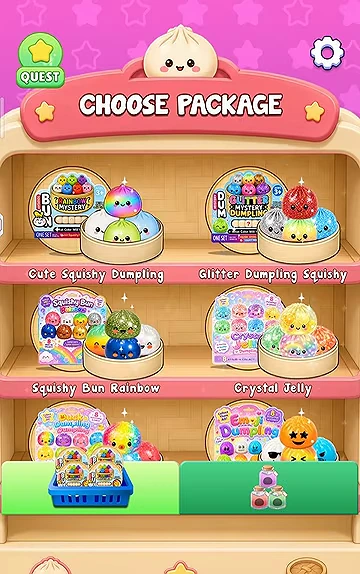
Complete one opening
Follow Tap to Choose on the package rack, Swipe to Open on the wrapper and Tap to Open on the steamer. The prompts occur on different screens; wait for the current animation to finish before following the next one.

Check the collection before opening again
After the reveal, the jar view shows the acquired dumpling against its room background. It also exposes Continue and Next Box controls in the observed sessions. Continue is used to repeat openings in the current collection. Inspect the theme before proceeding so that a new box does not become a mistaken claim about the old room.
Know what completion looks like
Later in the same recording, finished themes display FULL ribbons on the shelf. A first dumpling is progress within a theme, not completion of the entire game. Use the collection-completion guide to compare a room result with a completed theme.